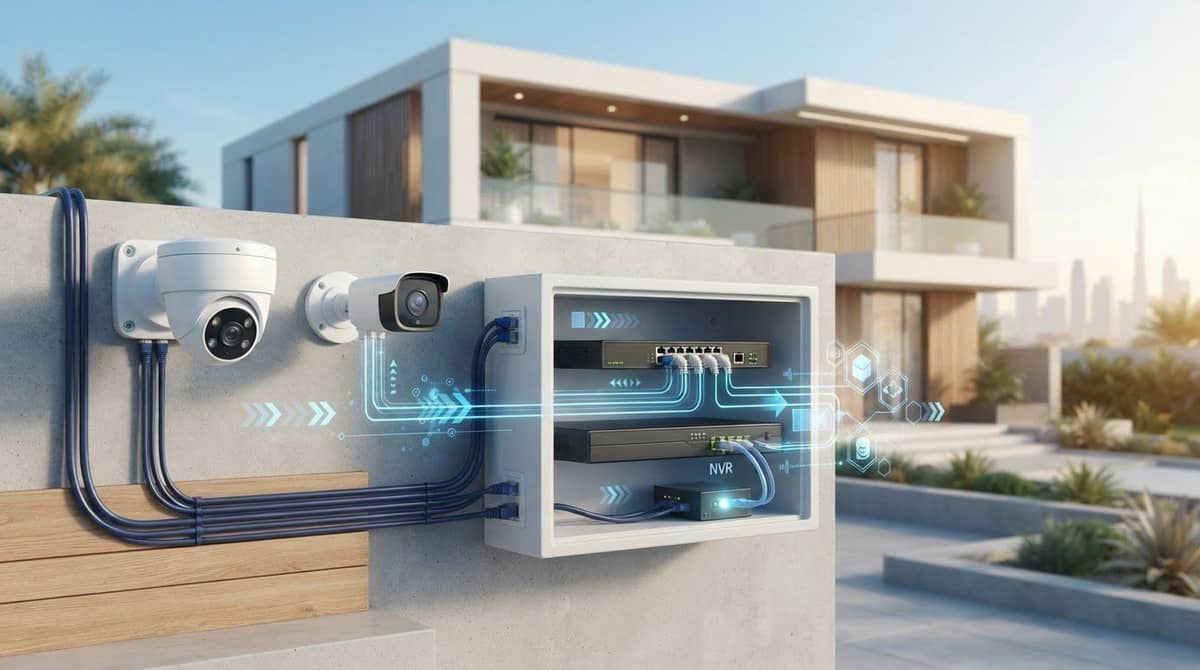
Wireless Security Camera: How to Plan a Reliable Setup in 2026
Plan a reliable wireless security camera setup in 2026. Learn how to choose the right power, Wi-Fi connection, placement, and recording options for your home.
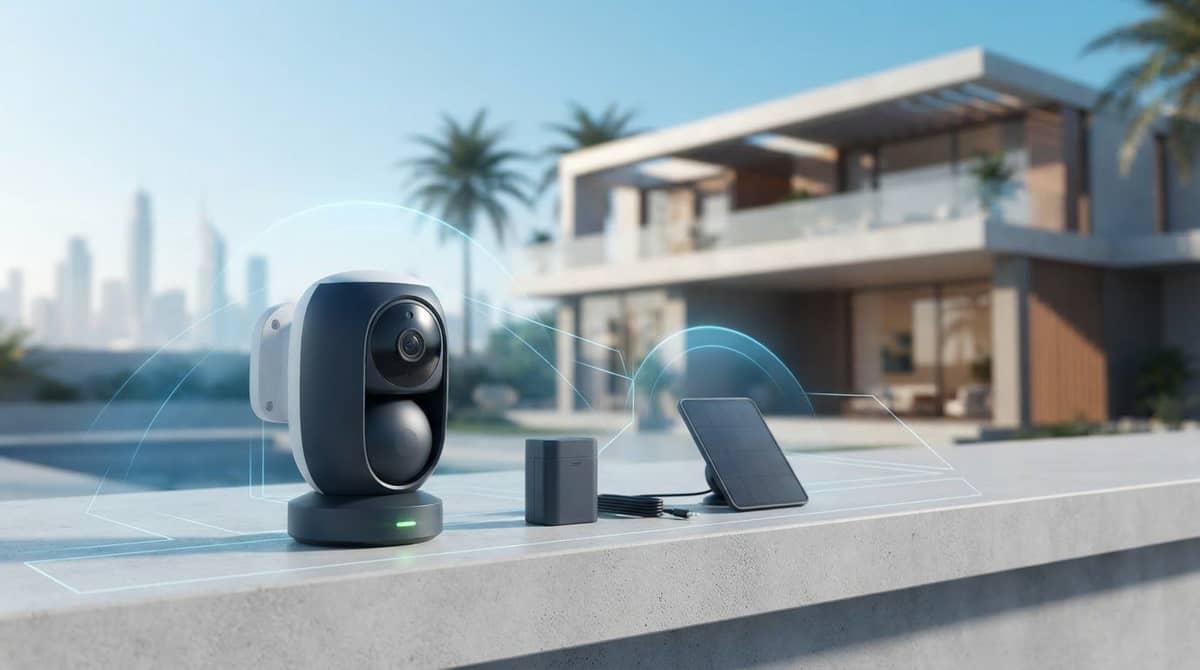
A wireless security camera can still depend on a wire. “Wireless” usually describes how video reaches your network, not how the camera gets power. A flexible mounting position does not automatically mean a wire-free setup, which matters when walls, distance or network interruptions could affect coverage.
For a dependable view, match the camera’s connection and power options to the property, then plan placement and recording around how you’ll use the footage.
This guide explains the differences between Wi-Fi, battery-powered and cellular cameras, and how signal strength, power and recording choices shape a reliable setup. You’ll learn what to consider before choosing a camera, when a coordinated system may suit the property better, and how professional installation can bring the plan together. We’ll also look at Eufy, EZVIZ and Imou cameras, alongside professional security-camera and CCTV installation available across the UAE.
Key Takeaways
- Plan camera positions by identifying priority areas, mapping sightlines, and checking signal reach before choosing power and recording options.
- Compare Wi-Fi, cellular, battery-powered, and solar-assisted setups against your property’s network access, placement needs, and maintenance preferences.
- Choose a wireless security camera setup with recording options that fit how you need to review footage.
- Follow the manufacturer’s instructions for pairing and configuration, then test the camera from its intended position.
- Match the scale of the setup to the property: a few cameras may suit focused coverage, while wider coverage may call for a coordinated CCTV installation.
Table of Contents
- What a Wireless Security Camera Needs to Work Reliably
- How to Plan Wireless Security Camera Placement and Coverage
- Wi-Fi, Cellular, Battery, and Solar: Compare Wireless Camera Setups
- How to Set Up and Check a Wireless Security Camera
- Choose a Wireless Security Camera Setup That Fits Your Property
What a Wireless Security Camera Needs to Work Reliably
A wireless security camera sends video over a wireless connection, but it may still need a cable or another power source. “Wireless” describes how data travels, not necessarily how the camera gets power. Plan the camera, network connection, power source and recording method as separate parts of the setup.
This distinction helps prevent a common mismatch: a camera might reach the network but lack a practical power source at the intended position. Or it might provide a live view without storing footage in the way you expect. Each part needs to suit the location and how you plan to use the camera.
Wireless security camera connection types explained
A Wi-Fi camera sends data through a wireless router and typically connects to a network for viewing. A cellular camera uses a mobile network to transmit data, which can suit locations without Wi-Fi coverage. These are different connection types, and a camera generally uses the connection it was designed for rather than switching between both.
Either way, wireless transmission depends on a usable signal at the camera’s position. Walls, distance and interference can weaken a Wi-Fi connection; cellular reception can also vary by location. An IP camera is simply a camera that communicates using internet protocol, the rules devices use to send data across a network. This allows network-based viewing through a compatible app or recorder. The Wireless Security Camera Overview offers further background on camera types and wireless communication.
For example, a Wi-Fi camera can capture activity at an entrance and send video over the home network. Depending on its design and configuration, the footage may then appear in an app or be sent to a compatible recorder. The camera, connection and viewing device each play a different role.
Wireless power and recording are separate choices
Power is a separate decision. A mains-powered camera needs access to an electrical supply, even if its video travels wirelessly. A battery-powered design can avoid a continuous power cable, but its operation depends on the camera’s battery and the manufacturer’s instructions for charging or replacement. Requirements vary by model.
Recording is another choice. Depending on the camera, footage may be saved to local storage, such as a memory card or recorder, or to a cloud service. Some setups support different recording options, while others are designed around one method. Decide how you want to review footage, then check that the camera and recording arrangement are compatible.
Wireless connectivity determines how video travels; it doesn’t determine how a camera gets power or where its footage is stored.
Keep these choices distinct as you plan. A camera can connect wirelessly yet require mains power, and its recording method may involve separate hardware or a service. Understanding the combination helps you choose equipment for the location instead of relying on the word “wireless” to describe the whole setup.
How to Plan Wireless Security Camera Placement and Coverage
Start with what you need to see, not the easiest wall to reach. A short site survey helps you avoid blind spots, weak connections and positions that are difficult to power or maintain. For a wireless security camera, plan in this order: identify risks, map sightlines, test the signal, then settle power and recording.
- Define the risks. List the areas that matter most, such as main entrances, gates, parking access or paths leading to the property. Focus on actual access points instead of trying to watch every part of the premises.
- Map sightlines. Sketch the property and mark what each proposed view should capture. Prioritize entrances and important approaches. Avoid placing cameras so their views duplicate one another without adding useful coverage.
- Check the signal. Test the connection at each intended camera position using the camera’s setup process. A strong signal beside the router does not confirm that reception will be adequate through a wall or at an outdoor mounting point.
- Decide power and recording. Once positions are practical, determine whether each camera can use a suitable power source or needs a battery-based design. Choose a compatible recording method for the footage you want to keep and review.
Map the areas a wireless security camera should cover
Mark doors, windows, gates and the routes approaching them, then sketch the view each camera needs to capture. Note walls, open doors, reflective glass and lighting that changes between day and night, since these can obstruct or affect the image. Keep each frame purposeful, covering your own access areas without pointing into a neighbour’s private spaces.
Check signal, power, and environmental exposure at each position
Run the camera’s connection test at its intended location, not just near the router. Then consider how power will reach that position and whether the camera’s design suits the arrangement. For properties in the UAE, account for direct sun, heat, dust and exposure to the elements. Follow the manufacturer’s guidance on suitable placement and operating conditions.
Plan for upkeep before settling on a spot. A position that is hard to reach may complicate battery charging, cleaning or adjustments. Consider whether the recording method suits the location and how you plan to review footage. For a broader view of how cameras fit into a property-wide plan, the Home Security Systems: Guide for UAE Homes in 2026 provides helpful context.
For several cameras or complex sightlines, coordinated security-camera installation can help align equipment, placement and coverage with the property. A clear plan makes it easier to see where a simple setup is sufficient and where a broader CCTV arrangement may be more practical.
Wi-Fi, Cellular, Battery, and Solar: Compare Wireless Camera Setups
Choose the connection and power arrangement separately. Wi-Fi and cellular describe how footage travels, while battery and solar-assisted designs describe how a camera may be powered. These categories can overlap: a camera could use a wireless network and battery power, but exact combinations and capabilities vary by model.
Setup | Network dependency | Power planning | Placement and maintenance |
|---|---|---|---|
Wi-Fi | Needs a suitable Wi-Fi signal at the camera. | Power may be mains-based or battery-based, depending on the model. | Works where network coverage reaches; check signal and connection stability. |
Cellular | Uses a mobile network rather than the property’s Wi-Fi. | Power is a separate requirement and varies by camera. | Can suit locations where Wi-Fi isn’t practical, provided mobile reception is suitable. Data service and power need ongoing consideration. |
Battery-powered | Still needs a compatible wireless connection, such as Wi-Fi or cellular, to transmit footage. | Runs on battery power; charging or replacement requirements depend on the model. | Offers more freedom from nearby power outlets, with battery upkeep to plan for. |
Solar-assisted | Still relies on the camera’s supported network connection. | Solar assistance may support a camera’s power arrangement, but requirements vary by model and conditions. | Placement must suit both the camera’s view and the solar component. Consider exposure and routine upkeep. |
Choose the connection that fits the property’s network conditions first; then match power and recording options to the camera position. A wireless security camera is only as practical as its connection where it is installed. The signal near a router doesn’t tell you whether a distant or outdoor position will work well.
When a Wi-Fi wireless security camera makes sense
Wi-Fi is a practical fit when a dependable network reaches the intended camera position. The camera connects through the property’s router, so distance, walls and network interruptions can affect its use. Test the chosen location using the camera’s setup process and assess the view and connection together. A usable signal supports access, but it doesn’t promise uninterrupted viewing or recording.
When cellular, battery, or solar-assisted setups may fit
Cellular connectivity may suit a location where Wi-Fi isn’t appropriate, provided mobile reception and the camera’s power needs are accounted for. Battery-powered designs can make placement less dependent on a nearby outlet, but plan for model-specific charging or replacement. Solar assistance can also be useful where the camera’s location and system requirements suit it; it shouldn’t be treated as a guarantee of continuous operation.
For product-specific context on a solar-powered camera kit, see the eufyCam S3 Pro 4-Cam Kit Solar review. The most suitable arrangement depends on the property, signal conditions and practical upkeep, not on the “wireless” label alone.

How to Set Up and Check a Wireless Security Camera
Pairing is only one part of setup. Test the camera from its intended position, with its power and recording arrangements in place. Follow the manufacturer’s instructions for the specific model, since menus, supported connections and available settings differ.
- Prepare the setup. Have the required network details ready and arrange the camera’s power as its manufacturer directs. Confirm that the chosen recording option is set up for that model.
- Pair the camera. Use its official app or supplied instructions to connect it. Follow each prompt in order rather than assuming steps from another camera will apply.
- Configure access and recording. Review account and access settings, then select the recording preferences and storage options available for your model.
- Test before you finish. Check the live view at the planned camera position. Trigger or review a recording using the manufacturer’s recommended process, then confirm the footage is viewable where you expect it.
Connect and configure the camera carefully
Complete the initial pairing with the intended network and power arrangements in place, following the model’s instructions. Once connected, review access settings and recording preferences rather than leaving defaults unchecked. Test the camera from its final position, since a connection that works during nearby setup may behave differently after installation. Treat setup as complete only after checking both live viewing and the recording behaviour you intend to use.
Troubleshoot common wireless camera problems
If the camera drops its connection, check reception at the camera itself and follow the manufacturer’s guidance for restarting or repeating setup. If the view misses an important area, adjust the angle and look for obstructions or lighting changes at the times the camera will be used. For recording gaps, inspect storage settings and device power; there may be more than one possible cause.
Make one change at a time, then test again. This helps identify whether an issue relates to signal, framing, configuration or power, rather than changing several things without knowing what helped. Keep the manufacturer’s setup instructions available for model-specific steps, and avoid relying on generic reset sequences that may not apply.
Persistent connection dropouts, power difficulties or coverage gaps across several positions may call for a more coordinated setup. Professional security-camera installation can help align equipment, placement and configuration with the property’s needs. For support planning or installing your camera setup, arrange professional camera installation.
Choose a Wireless Security Camera Setup That Fits Your Property
A suitable camera setup follows the property, not the other way around. The layout determines what needs coverage; network reach affects connection choices; power options shape where cameras can go; and the recording method determines how footage is stored and reviewed. Consider these factors together before choosing equipment.
Match camera setup choices to the property
For a single priority area, such as a main entrance, focus on the view you need and whether the intended camera position has a suitable signal, practical power and a recording option that meets your needs. A straightforward installation may be enough when one camera can cover the area clearly.
Several locations need a broader plan. Map the views across the property, consider how cameras will connect from different positions, and identify power and recording needs for each. If your plan requires coordinated coverage across multiple approaches or buildings, a broader CCTV installation may be more suitable than adding cameras one at a time.
Choose a brand after those practical checks. Eufy, EZVIZ and Imou are among the security-camera brands available from WIDE WAY. Compare options against the connection, power and coverage you need; the Eufy vs EZVIZ Solar Cameras UAE comparison can help with brand evaluation when considering solar-assisted cameras.
A quick final review can keep the decision grounded:
- Coverage: Identify the specific areas each camera must show.
- Connectivity: Consider network conditions at every planned position.
- Power: Decide how each camera will receive or maintain power.
- Recording: Choose an option compatible with the footage you want to review.
Move from planning to a supported installation
WIDE WAY sells security cameras and provides professional security-camera and CCTV installation across the UAE. This is useful when a plan involves several cameras, challenging connection points or coverage that needs to work as a coordinated system. Installation can bring equipment selection and placement together in a plan shaped around the property.
For a smaller setup, a carefully chosen camera may suit a clearly defined viewing need. For broader coverage, think about the full system: how each camera sees its area, connects, receives power and records footage. A wireless security camera offers placement flexibility, but reliability still depends on how these parts fit the property.
Explore WIDE WAY’s security-camera range and consider professional installation to turn your coverage plan into a complete setup.
Make Your Camera Plan the Next Step
A dependable setup starts with a clear decision: what do you need to see, and what arrangement can support that view over time? Use your coverage plan as a practical brief for choosing equipment. It keeps the focus on the areas that matter instead of adding cameras without a defined purpose. A wireless security camera should suit its location and the way you intend to use recorded footage.
WIDE WAY’s security-camera range includes Eufy, EZVIZ and Imou. Professional security-camera and CCTV installation is available across the UAE, providing a practical route from equipment selection to a coordinated setup.
Explore WIDE WAY’s security camera solutions and take the next step with a plan shaped around your property. A considered start makes it easier to build coverage suited to your needs.
Frequently Asked Questions
Does a wireless security camera need Wi-Fi?
No. A wireless security camera may connect through Wi-Fi or, in some models, a cellular network. For example, a camera at a detached gate may need cellular connectivity if home Wi-Fi doesn’t reach it, while one near the house may use Wi-Fi. The connection method alone doesn’t tell you whether remote viewing or saved footage will work, so match the network choice to the functions you need and the model’s requirements.
Do wireless security cameras need to be plugged in?
Not necessarily. Some cameras need a mains connection, while battery models can operate without a permanent power cable; solar-assisted arrangements are another model-dependent option. Consider upkeep after installation: can you reach the camera safely for charging or maintenance, and is an outlet available without an exposed cable run? “Wireless” describes data transmission and shouldn’t be taken as a promise of cable-free power.
Can a wireless security camera work without an internet connection?
Sometimes, but offline functions depend on the camera and how it stores footage. A camera with a supported local recording method may retain some video without internet, while remote app access or cloud-dependent functions may be unavailable. Check the product documentation for what happens during an outage, then test the relevant function before relying on it. Local recording doesn’t automatically mean live viewing will remain available.
How far can a wireless security camera be from the router?
There isn’t a fixed distance that works across every property. A camera separated from the router by reinforced walls or metal doors may lose connection sooner than one farther away with a clearer path. Use the camera’s connection indicator or setup test at its final position, then check it with doors closed and household devices in use. Base placement on observed performance, not distance alone.
Do wireless security cameras record all the time?
Not always. A camera may record continuously, only when triggered, or according to schedules, depending on its design and settings. If you need to review activity at a side entrance, event-based clips may suit that purpose; another use may call for a different mode. Confirm how long footage remains available and that your selected storage method is active. Review a saved clip after setup.
Are wireless security cameras suitable for outdoor use in the UAE?
Some are, but check the exact model’s stated outdoor use and operating conditions before mounting it. In the UAE, a sheltered position may reduce direct sun and dust exposure, but it still needs to provide a useful view and meet the manufacturer’s guidance. Don’t assume a camera is outdoor-ready because it connects wirelessly or appears enclosed. Review instructions for placement, exposure and ongoing care.
What should I do if my wireless security camera keeps disconnecting?
Start by confirming the camera has power, then check its connection where it’s installed rather than beside the router. A closed door, moved router or changed surroundings may affect reception. Follow the model’s troubleshooting steps and retest live viewing. If disconnections persist at a useful camera position, professional security-camera installation can help assess placement and system needs instead of treating every dropout as a faulty camera.