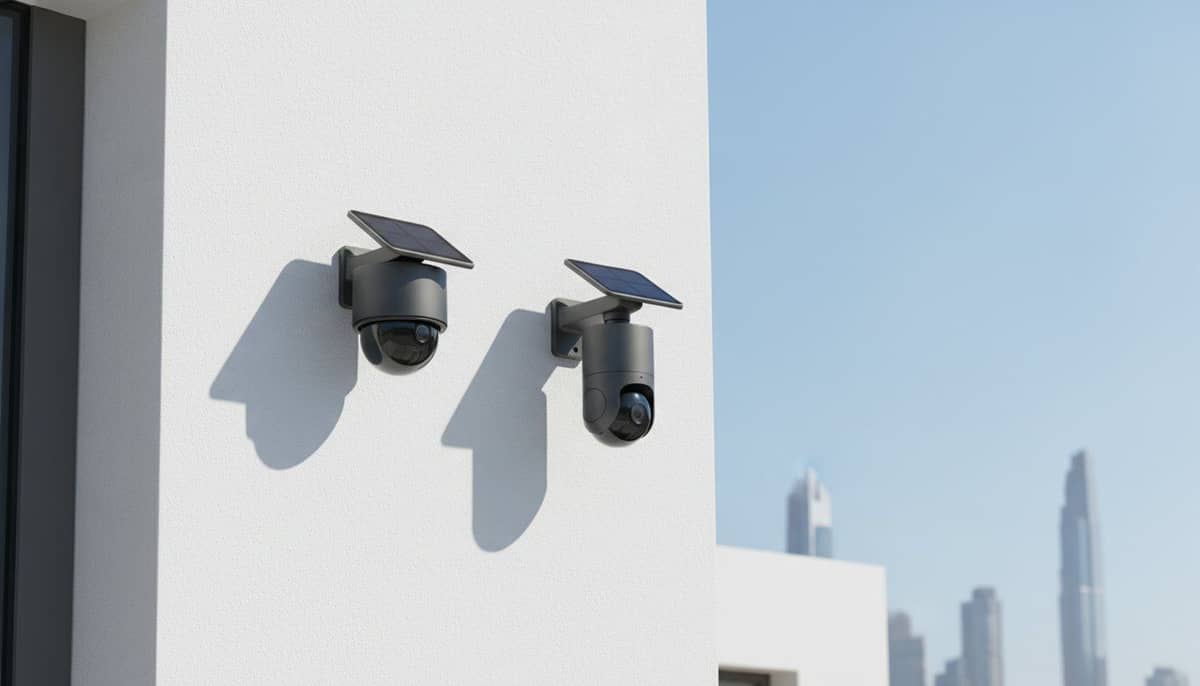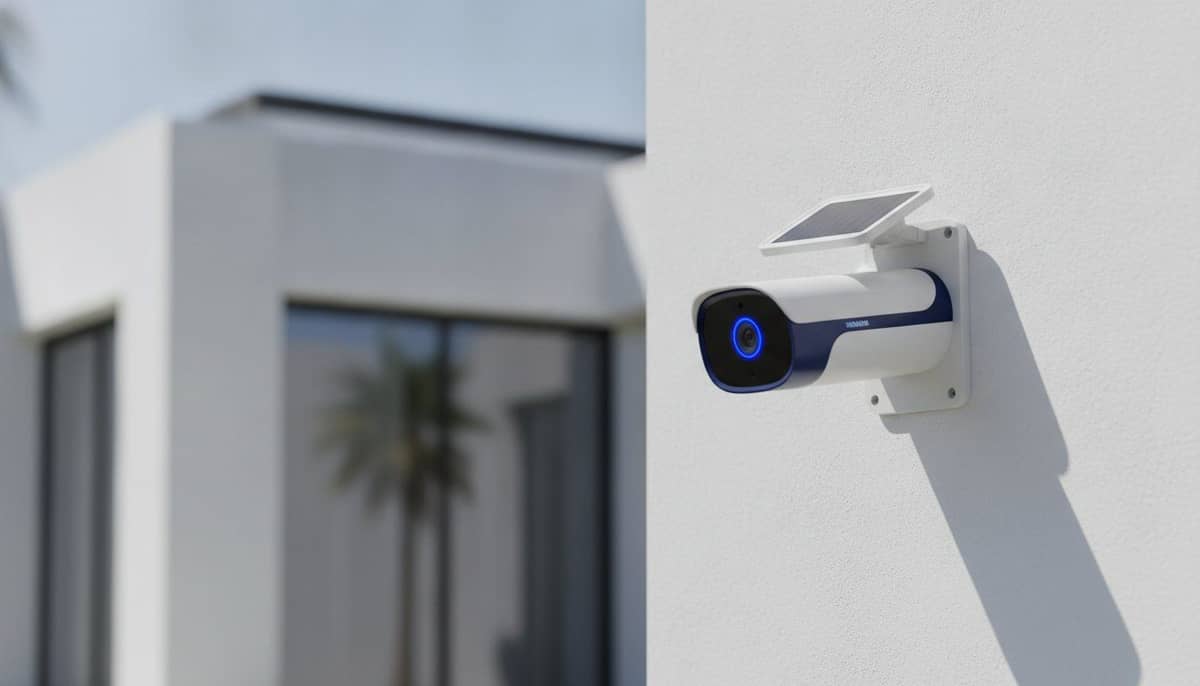
Solar Security Camera UAE: A Practical Setup Guide for 2026
Master your solar security camera UAE setup with our 2026 guide. Learn how to optimize sunlight, connectivity, and coverage for dependable outdoor protection.
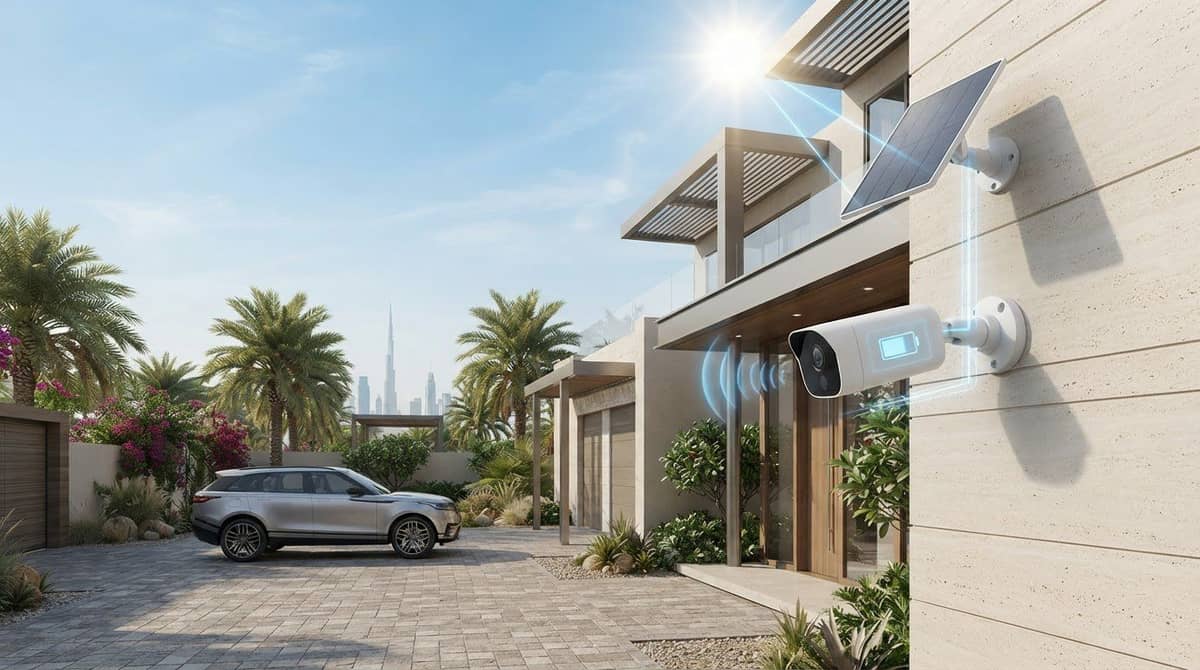
A solar panel doesn’t make every camera location practical. For a solar security camera UAE setup, the mounting point still needs useful sunlight, a clear view of the area, and a reliable Wi-Fi connection. Shade, dust, and heat can all affect how well the system suits your property.
Check these details before choosing a camera. A spot that captures the entrance well may not be ideal for the panel or wireless signal. The best position balances coverage, charging, and connectivity rather than simply placing the camera on the highest wall.
This guide explains how to assess a location, compare solar, battery-powered, and wired cameras, and configure the camera and panel for dependable coverage. You’ll also find practical points to consider for UAE conditions and privacy, plus guidance on when professional security-camera installation can help with a more complex layout. The goal is a setup that suits your property, not just one that looks convenient on installation day.
Key Takeaways
- Set your coverage priorities first, such as entrances, vehicles, or outdoor areas, so each camera has a clear purpose.
- Understand the power chain: the panel generates energy, the battery stores it, and the camera records footage. Solar power doesn't automatically provide a Wi-Fi connection.
- Choose solar, battery-only, or wired power based on the location, available sunlight, recording needs, and access to power.
- For a solar security camera UAE setup, assess the camera’s view and the panel’s sunlight exposure separately, then test connectivity and recording after configuration.
- Use a checklist for coverage, panel exposure, connectivity, recording, and maintenance. WIDE WAY COMPUTERS TRADING L.L.C offers cameras from Eufy, EZVIZ, and Imou.
Table of Contents
- Solar Security Camera UAE: Start with the Property You Need to Cover
- How a Solar Security Camera UAE Setup Powers and Sends Footage
- Solar, Battery, or Wired Camera: Choose for the Actual Location
- How to Position and Configure a Solar Security Camera in the UAE
- Choose a Solar Security Camera UAE Solution That Fits Your Setup
Solar Security Camera UAE: Start with the Property You Need to Cover
Reliable coverage starts with a clear view of the places that matter, without needing to run power to every camera. Before choosing equipment or drilling into a wall, decide what each camera should show. A solar security camera uses a solar panel to generate electricity and charge a battery. The panel supports the camera’s power needs, but it doesn’t guarantee uninterrupted operation in every location or condition. For a concise overview of how sunlight can be converted into electricity, see Solar Power Technology.
Separate your coverage goals. An entrance camera should show people approaching the door, while a vehicle camera should cover the relevant parking area and access route. For outdoor areas, you might prioritise a gate, side passage, or garden. A wider overview can help you understand activity across the property, but one camera view rarely serves every purpose equally well.
Map the areas that need camera coverage
Walk the property and note entry points, approach paths, vehicle areas, and other priority spaces. Check what could block each view, including walls, pillars, plants, parked vehicles, or a door that swings open. Consider privacy, too: aim cameras at the areas you’re responsible for monitoring, not into neighbours’ private spaces.
Decide how much detail each view needs. A broad view can show movement across a courtyard or driveway, but people may appear small in the frame. A focused view of a doorway or gate can make people easier to recognise, but covers less surrounding space. Choose the purpose first, then decide whether one position can meet it or whether separate views make more sense.
Check power, sunlight, and connectivity at each location
Assess the camera and panel as two placement decisions. The camera needs a useful viewing angle, while the panel needs access to sunlight. Observe the proposed panel location during the day and note where shade falls, including shade from roof edges, walls, or nearby structures. A nearby exposed mounting point may suit the panel even if the camera needs to sit elsewhere.
Check Wi-Fi where the camera will actually be mounted. A strong indoor signal doesn’t prove it will reach an exterior wall or a point beyond a gate. Test the connection at the intended position if possible, and consider whether walls or distance may interfere. Solar power and wireless connectivity are separate: the panel supplies energy, but the camera may still rely on Wi-Fi to connect.
- Mounting surface: Check that the chosen spot provides a stable place to secure the camera and panel.
- Access: Consider whether you can safely reach the panel for inspection and cleaning, especially where dust may collect.
- Cable-free placement: Mark locations where avoiding a power cable would simplify installation, then weigh that benefit against shade and signal limits.
This site check gives your solar security camera UAE setup a practical starting point. If camera placement or configuration is complex, professional security-camera installation can help align coverage, panel position, and connectivity before the equipment is fixed in place.
How a Solar Security Camera UAE Setup Powers and Sends Footage
A solar camera brings together three functions: collecting energy, storing it, and capturing video. Understanding how those parts work helps you assess whether a setup suits the location instead of assuming that a solar panel alone keeps every camera running continuously.
Solar charging supports a camera’s power supply, but it doesn’t guarantee uninterrupted operation. Available sunlight, battery capacity, camera activity, and model-specific settings all affect performance over time. This matters when planning a solar security camera UAE setup for a location that may be shaded or record frequent activity.
What the solar panel and battery each do
The panel converts sunlight into electrical energy that can charge the camera’s battery. The battery stores energy for the camera to use when the panel isn’t generating power, such as at night. Think of the panel as a charging source and the battery as a reserve. They perform different jobs.
Both sides of the balance matter. A panel with limited exposure may replenish the battery more slowly, while frequent camera activity can increase energy use. Motion-triggered recording may use less power than continuous recording, depending on the camera and its settings. Before comparing models, review the manufacturer’s details for battery capacity, charging method, and stated operating conditions. Specifications vary, so don’t assume figures for one camera apply to another.
How the camera connects and stores recordings
Solar power describes how a camera receives energy. Wireless describes how it connects, and doesn’t automatically mean cellular service or operation independent of the internet. Many wireless cameras use Wi-Fi to communicate with an app or send alerts, so the signal at the installed position can affect remote access.
Recording options also depend on the model. A camera may support local storage, cloud recording, or a combination, but the available options and requirements differ by product. Check how footage is saved, how you access it, and whether the selected recording mode depends on an internet connection. App access may also require the camera to be connected to the network.
For broader planning, consider how each camera fits into your home security systems guide: coverage, connectivity, recording, and power should work as one system. If a camera records frequently, review its activity and recording settings after setup. Adjusting unnecessary triggers can help avoid excessive recordings and energy use while keeping the areas you care about covered.
- Panel: Supplies charging energy when it receives sunlight.
- Battery: Stores power for use when charging conditions change.
- Camera and network: Capture and transmit footage according to the model’s supported functions and settings.
Where placement or system configuration is complicated, professional security-camera installation can bring power, connection, and recording requirements together in a practical setup.
Solar, Battery, or Wired Camera: Choose for the Actual Location
The right power source depends on the mounting spot, how the camera will be used, and what power is available there. Solar can avoid a long power cable, but it needs a workable panel position and a camera whose energy use suits the available charging. A battery-only camera offers placement flexibility, though its battery will need recharging. Wired power can suit a position with practical access to a power source. No option is automatically best for every property.
For a solar security camera UAE setup, consider the camera, panel, network connection, and recording needs together. A camera may have a clear view of an entrance yet sit under a roof overhang that shades its panel. Moving the panel may help, if the model’s cable and mounting arrangement allow it and the camera remains within Wi-Fi range.
When a solar-powered camera is a practical fit
Solar is worth considering where running a power cable is inconvenient and the panel can receive useful sunlight. Don’t judge exposure from a single glance. Observe how shade shifts across the proposed position during the day, including shade from walls, roof edges, and nearby structures. Then weigh that exposure against the camera’s expected activity and recording settings.
Check the manufacturer’s documentation for the specific model’s operating limits, battery and charging details, and environmental guidance. These details vary by model and can’t be assumed from the word “solar.”
When another power arrangement may suit the location
Persistent shade can make solar charging less suitable, particularly if the camera is expected to record frequent activity. A battery-only model may work where there’s no convenient cable route and the camera can be accessed for recharging. Wired power may be a better match where a suitable power connection is practical and the intended use calls for a steady supply.
Compare the trade-offs before deciding:
- Solar: Reduces reliance on a nearby power cable, but depends on panel exposure and the balance between charging and camera use.
- Battery-only: Allows flexible positioning, but requires a plan for checking and recharging the battery.
- Wired: Connects the camera to an available power source, but requires a suitable cable route and installation.
Recording demand can shift the balance. Frequent motion events or longer recording periods may increase energy use, while a shaded location can limit solar charging. Consider both factors together rather than treating the power source as a stand-alone choice. Also account for Wi-Fi: a solar panel won’t improve a weak network connection, and a wired power supply won’t solve it either.
For broader planning across multiple cameras or a larger property, consider how coverage goals affect the overall system layout, including CCTV options for villa coverage. If placement, cable routing, or configuration becomes complex, professional security-camera installation can bring those practical requirements together.

How to Position and Configure a Solar Security Camera in the UAE
A dependable setup comes from treating the camera and solar panel as separate placement decisions. The camera needs a useful view and a stable network connection. The panel needs suitable sunlight. In the UAE, strong sun, heat exposure, and dusty conditions make it important to follow the specific manufacturer’s installation and care instructions. No position can guarantee uninterrupted operation, so test the system before relying on it.
Work through these steps in order:
- Survey: Identify the scene to monitor and note obstructions, mounting surfaces, nearby power or network access, and possible panel shade.
- Position: Choose the camera angle for the intended view. Find a panel position with useful sunlight, even if that means mounting it separately where the model’s instructions allow.
- Connect: Follow the manufacturer’s process to pair the camera with its app and connect it to the required network.
- Configure: Set recording and motion detection to suit the area, then enable the alerts you need.
- Test: Check the live view, alerts, and saved footage. Refine the angle or settings if activity is missed or unnecessary motion triggers recordings.
Position the camera and solar panel for different jobs
A camera aimed at a gate or entrance should capture the approach clearly, with avoidable obstructions kept out of the frame. The panel has a different priority: access to suitable sunlight. Don’t compromise the camera’s useful view just to place the panel beside it. Where the selected model supports separate placement, position each component for its job and follow the supplied installation instructions.
Check that the mounting surface is stable and that the camera and panel are secured as directed. Consider how heat exposure and dust may affect the chosen spot, and don’t assume every outdoor location suits every model. Consult the manufacturer’s guidance for installation conditions and operating limits. Keep access for inspection and cleaning in mind, too. Dust can collect on exposed surfaces, so clean them using the care method specified for the equipment.
Configure, test, and refine the system
Complete setup through the manufacturer’s app and network process. Then test the camera from the places where you’ll actually use it. Check the live view and confirm that motion alerts arrive on the intended device. Review recordings rather than relying on a camera preview alone. Footage can reveal that a visitor appears too small, an approach is partly hidden, or detection settings are too broad.
Make adjustments one at a time. Re-aim the camera to address missed activity, or refine detection settings if ordinary movement creates unnecessary alerts. Test again after changing a position or setting. For ongoing care in dusty conditions, use the steps in this guide to maintaining solar security cameras in dusty weather alongside the model’s instructions.
If you want help aligning camera placement, panel positioning, and configuration, arrange professional security-camera installation for your setup.
Choose a Solar Security Camera UAE Solution That Fits Your Setup
The suitable system is the one that matches your property’s coverage needs and the conditions at each mounting point. Use your site assessment to compare camera positions, panel exposure, network access, and recording requirements before deciding on a model or camera count. Judge a solar security camera UAE setup as a complete arrangement, not by the camera alone.
Use this checklist to narrow down your options:
- Coverage: List the areas each camera needs to monitor and check for gaps or overlapping views.
- Panel exposure: Consider shade throughout the day and whether the panel can be positioned appropriately for the selected model.
- Connectivity: Check network access at each camera location, not just inside the property.
- Recording: Choose settings and a recording method that suit the coverage goal and the camera’s supported options.
- Setup: Account for mounting surfaces, maintenance access, and any complex positioning or configuration.
Match the camera system to the coverage plan
Choose the number of cameras according to the areas you need to cover, rather than assuming every property needs the same setup. A focused view of an entrance and a wider view of an outdoor area serve different purposes, so give each camera position a clear task. For brand-specific context, consult the published EZVIZ smart home cameras guide and the eufyCam S3 Pro kit review. Check manufacturer documentation for model details before relying on specific features or operating conditions.
WIDE WAY’s security-camera range includes Eufy, EZVIZ, and Imou. The eufyCam S3 Pro 4-Cam Kit Solar is one option. Review its specifications, installation guidance, and recording options against your property’s needs.
Move from planning to a tested installation
Professional installation is useful for a multi-camera layout, difficult mounting positions, or a setup where camera views, panel placement, and network access need to work together. A considered installation involves planning positions, mounting equipment according to its instructions, connecting it to the network, and testing its functions. Review the live view and recorded footage after installation so adjustments can address blind spots or missed activity.
A final check should confirm that each camera covers its intended area, the network connection supports the chosen use, and recording and alerts behave as expected. Keep the manufacturer’s care guidance available for future checks, particularly in dusty conditions.
For help moving from camera selection to a tested setup, explore WIDE WAY’s security-camera solutions, including professional installation across the UAE.
Take the Next Step Toward a Better-Fitted Camera Setup
Start with one priority area and turn your coverage plan into a practical camera setup. Check the intended view, panel position, and connection before settling on equipment. A well-planned solar security camera UAE solution should suit the location and the way you need to use it, rather than relying on assumptions about sunlight or performance.
WIDE WAY’s security-camera selection includes Eufy, EZVIZ, and Imou, including the eufyCam S3 Pro 4-Cam Kit Solar. Professional security-camera installation is available across the UAE for setups that need help with placement or configuration. Choose equipment and positions that fit your property and coverage priorities.
Explore WIDE WAY’s security camera solutions to plan a setup around your coverage needs.
Frequently Asked Questions
Is a solar security camera reliable in the UAE?
A solar security camera UAE setup can be practical when the panel gets suitable sunlight and the camera’s energy needs match the system. Shade, recording activity, battery design, and the manufacturer’s operating guidance all affect performance. Check the proposed panel position at different times of day, including when nearby structures cast shade. Before installation, review the specific model’s heat and weather limits rather than assuming every outdoor camera is designed for the same conditions.
Can a solar security camera work without Wi-Fi?
It may record without Wi-Fi if the selected model supports local recording, but solar charging itself doesn’t provide network access. Wi-Fi may be needed for app access, alerts, or remote viewing, and some cameras may support alternative network arrangements. Capabilities vary by model. If remote alerts matter, test the connection at the mounting point and check how the camera behaves if the network temporarily drops.
How much sunlight does a solar security camera need?
There’s no universal sunlight requirement for every solar camera. Panel design, battery capacity, camera activity, shade, and manufacturer specifications all affect charging. Observe the planned panel location at different times of day and compare its exposure with the product guidance. Avoid relying on a general sunlight-hour estimate for a different model. If the camera’s view and panel position need to differ, check whether the mounting arrangement supports that configuration.
What happens if a solar security camera does not get enough sunlight?
If the battery uses energy faster than the panel replenishes it, its charge may gradually fall, and some functions could become unavailable. The exact response depends on the camera and its settings. Check the app or device indicators for low-battery warnings, and inspect whether dust is covering the panel. Clean it only as the manufacturer directs. If exposure remains limited, reduce avoidable recording activity or consider another power arrangement.
Do solar security cameras record all the time?
Recording depends on the camera’s supported modes and your settings. Some battery-powered cameras focus on motion-triggered clips to manage energy, while other models may offer different recording options. Before choosing a camera, check whether it supports the recording pattern you need and how that affects storage and power use. After installation, review actual clips and adjust motion zones so routine movement outside the priority area doesn’t dominate recordings.
Can one solar security camera cover an entire property?
One camera can provide a broad overview, but it may not show enough detail at every entrance or approach. A wall, gate, parked vehicle, or long distance can create blind spots or make activity harder to identify. Decide whether you need general awareness or a closer view of a particular access point. For a larger layout, assess each camera position separately and review recorded footage before treating coverage as complete.